
TresJS CLI
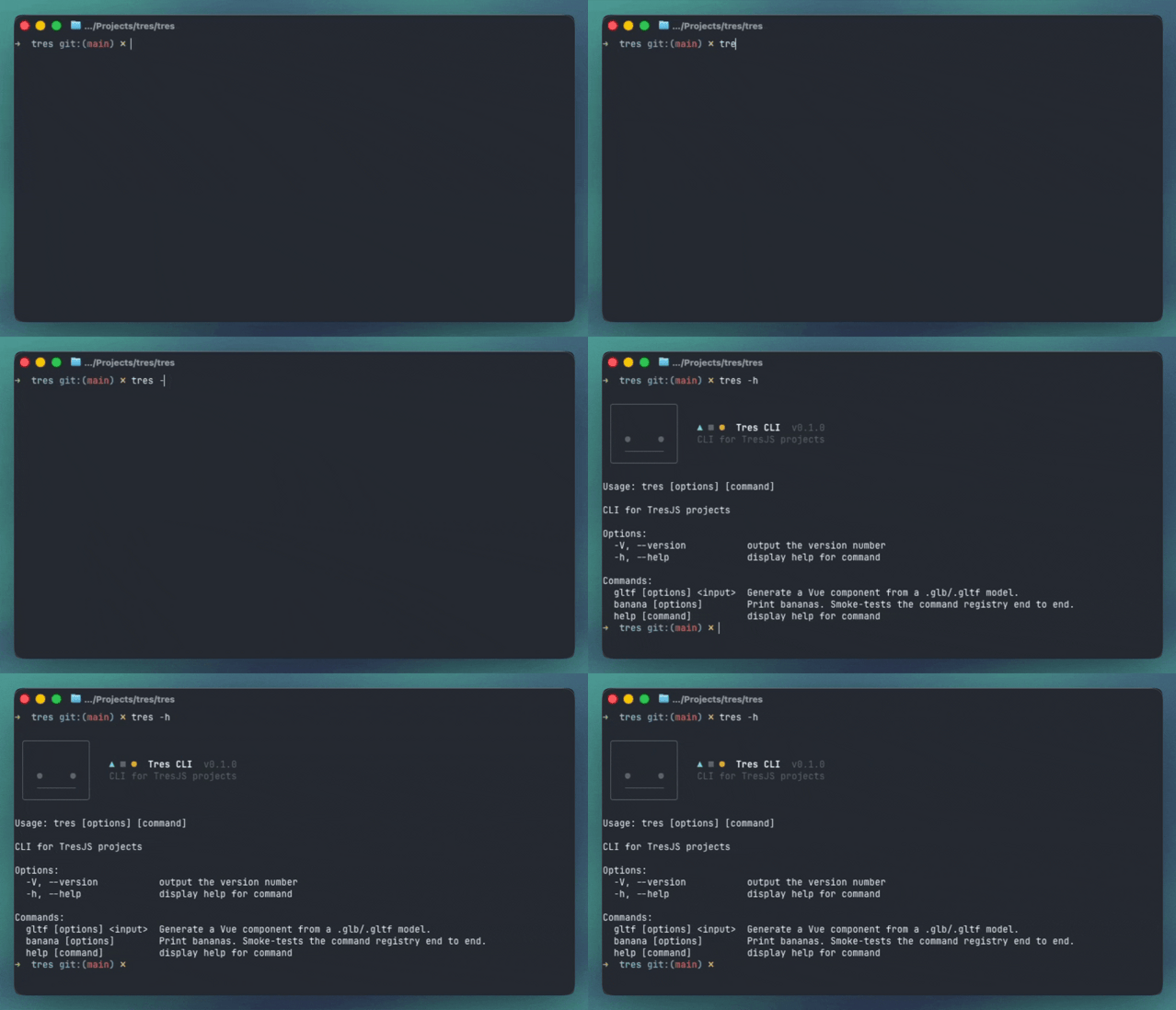
@tresjs/cli is the command line companion for TresJS projects. It exposes a single tres
binary that automates the parts of a 3D project that are tedious to write by hand, starting
with turning a .glb/.gltf model into a real Vue component.
Installation
Run it without installing anything:
npx @tresjs/cli --help
yarn dlx @tresjs/cli --help
pnpm dlx @tresjs/cli --help
Or add it to the project so everyone on the team runs the same version:
npm install -D @tresjs/cli
yarn add -D @tresjs/cli
pnpm add -D @tresjs/cli
Or install it globally, so tres is on your PATH in every project:
npm install -g @tresjs/cli
yarn global add @tresjs/cli
pnpm add -g @tresjs/cli
pnpm add -g needs pnpm setup to have run once, which creates the global bin directory and adds
it to your shell profile. Yarn 2+ has no global install, so use yarn dlx there.Once installed, the binary is available as tres:
tres --help
Start here
If this is your first time with the CLI, read the story first. It follows one artist and one Vue
developer shipping a robot, and shows what a generated component fixes that useGLTF alone does
not.
Commands
tres gltf public/models/robot.glb
# ▲ ■ ● Tres  gltf  robot.glb
#
# ✔ Parse       12 named nodes · 3 meshes · 2 materials    34ms
# ✔ Emit        3 slots                                     1ms
#
# ✔ src/models/Robot.gen.vue
#   slots  Head, Body, Base
#
# Done in 41ms
Global options
| Option | Description |
|---|---|
-V, --version | Print the CLI version. |
-h, --help | Print help for the CLI or for a specific command (tres gltf --help). |
npm create tres@latest.
See the installation guide.Piping
Progress (the header, the phases, warnings, the file list) goes to stderr. stdout carries
only what a command produces: the JSON of --json, the component of --console. So redirecting
gives you the payload alone, while you still watch the run on screen:
tres gltf public/models/robot.glb --json > robot.json
tres gltf public/models/robot.glb --console | pbcopy
Colour follows NO_COLOR, and the spinner turns itself off when stderr
is not a terminal, so CI logs get one line per phase instead of a repaint per frame.